Free DMR Codeplug Downloads & Programming Templates
Your DMR Radio Came With the Hardware. This Gives It a Working Setup.
Most DMR radios don't arrive ready to use. You can turn them on and navigate the menus, but when it comes to actually using the radio, you're essentially starting with a blank system.
Citizen Survival Plan built these free DMR templates to give you a working starting point — with the foundational channel structure, zones, scan setup, button assignments and radio configuration already in place.
Instead of starting from a blank CPS file, download a working configuration and customize it from there.
Don’t Start From Zero.
Choose Your DMR Radio
These aren't just frequency lists. They're ready-built DMR operating configurations designed to get your radio functioning and give you a real-world example of how everything fits together.

Baofeng DM-32UV
Start with a working DM-32UV configuration instead of a blank CPS file.
The Citizen Survival Plan starter template gives you the foundational channel structure, zones, scan setup, programmable button assignments and other basic settings you need to get started.

BTECH DMR-6X2
Start with a working DMR-6X2 configuration instead of building your radio from scratch.
The Citizen Survival Plan starter template provides the foundational channel structure, zones, scan setup, programmable button assignments and other basic settings already organized for you.
What’s Included in the Free DMR Template?
Citizen Survival Plan built these starter configurations to give your radio a functional foundation—not just a list of frequencies.
Then create feature blocks for:
- GMRS Simplex Channels. Pre-configured GMRS simplex channels to give you a useful analog starting point.
- MURS Channels. MURS channels already organized within the radio configuration.
- NOAA Weather Channels. NOAA weather frequencies included for monitoring local weather information.
- Analog & Digital Channel Setup. See how analog and digital channels are configured inside the CPS.
- Zones & Scan Setup. A working structure showing how channels can be organized into zones and scanning functions.
- Programmable Buttons. Button assignments already configured so you aren't starting with unassigned controls.
- DMR Configuration. Foundational digital settings that show how the different pieces of a DMR radio fit together.
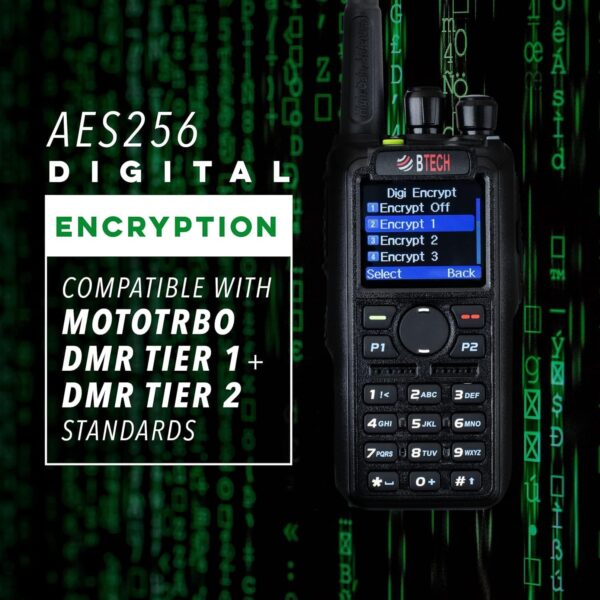
- Encryption Setup Framework. The configuration structure is included, but you must enter your own encryption key.
Those items come directly from what was described for the templates in the call: GMRS simplex, MURS, NOAA, button assignments, encryption setup, and a working configuration people can inspect to understand channels, zones, scanning and other programming.
Getting started
- Download and Install the Correct Software for Your DMR Radio linked below.
- Download Your Free Codeplug Template linked above.
- Follow the steps in this video to customize your codeplug and upload it to your radio.
- Use our Baofeng DM-32UV Quickstart Guide and BTECH DMR-6X2 Quickstart Guide as a reminder of your radio's basic controls and features.

SELECT the Correct Software for Your Radio
CPS stands for Customer Programming Software. It’s the software you use on your computer to open the Citizen Survival Plan template, make changes to the radio configuration, and write that configuration to your DMR radio.
Each radio requires its own CPS software, so make sure you download the version made specifically for your radio.
SKIP THE DIY
Fully Programmed DMR Radios